Water Eject
Free
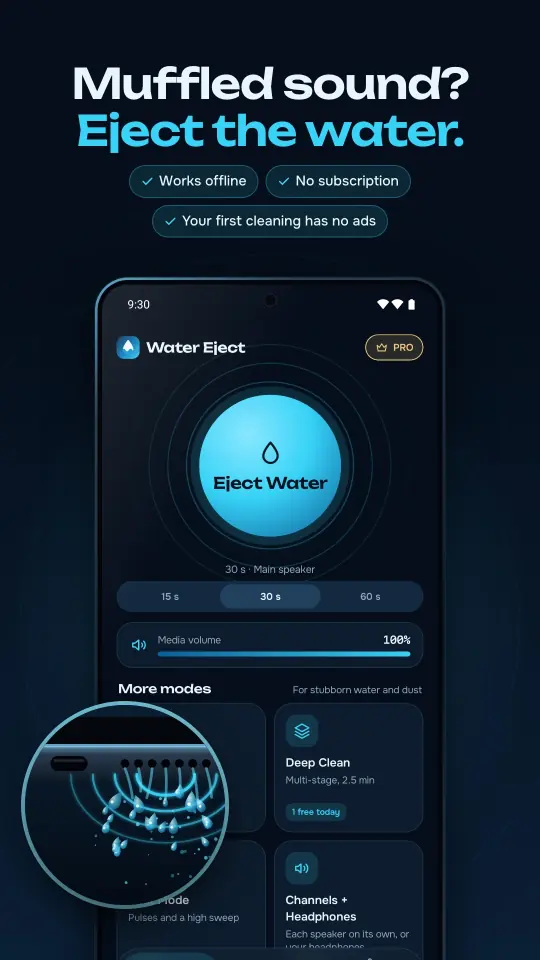
The classic sound wave cleaning for the main speaker, the earpiece or both. Choose 15, 30 or 60 seconds.
Free on Android · works offline
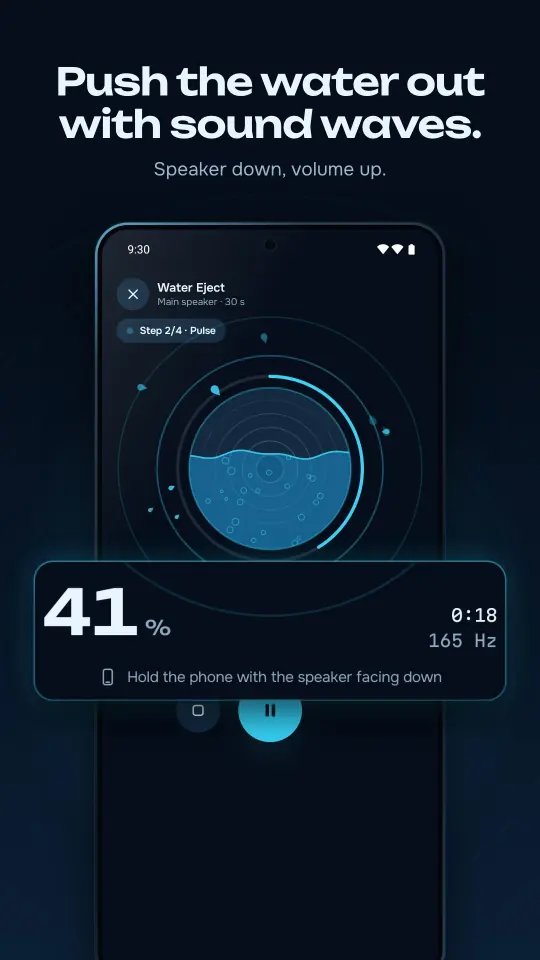
Water Eject plays special low-frequency sound that makes your speaker vibrate and helps push water and dust out. Turn the speaker face down, tap once, and listen for the difference.
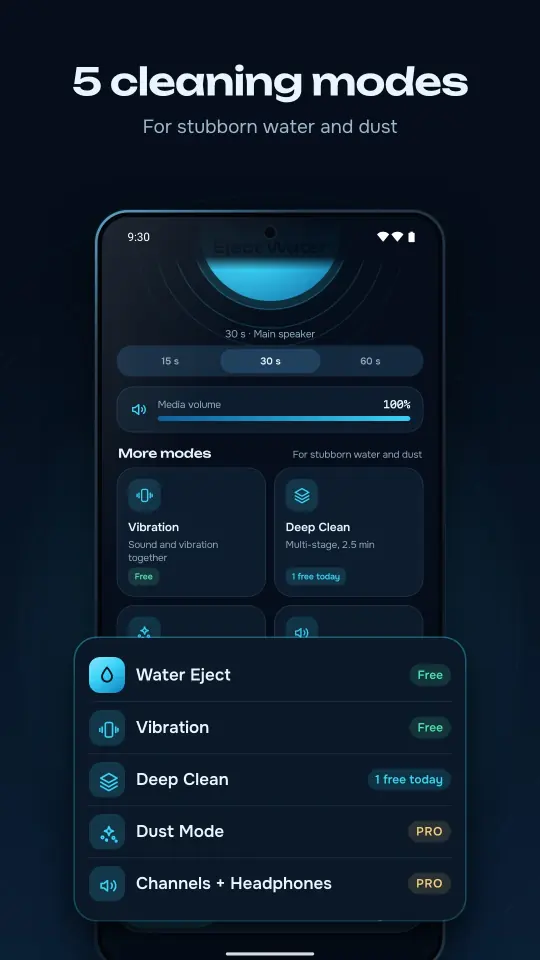
5 cleaning modes
Start with Water Eject. For stubborn water, dust or a single speaker, there are stronger programs.
Free
The classic sound wave cleaning for the main speaker, the earpiece or both. Choose 15, 30 or 60 seconds.
Free
Sound and vibration together. On most phones you can choose low, medium or strong vibration.
1 free every day
A multi-stage, 2.5-minute program for stubborn water: sweep, pulses, ejection and a dust sweep.
Pro
Pulses and a high-frequency sweep for a dusty speaker grille.
Pro
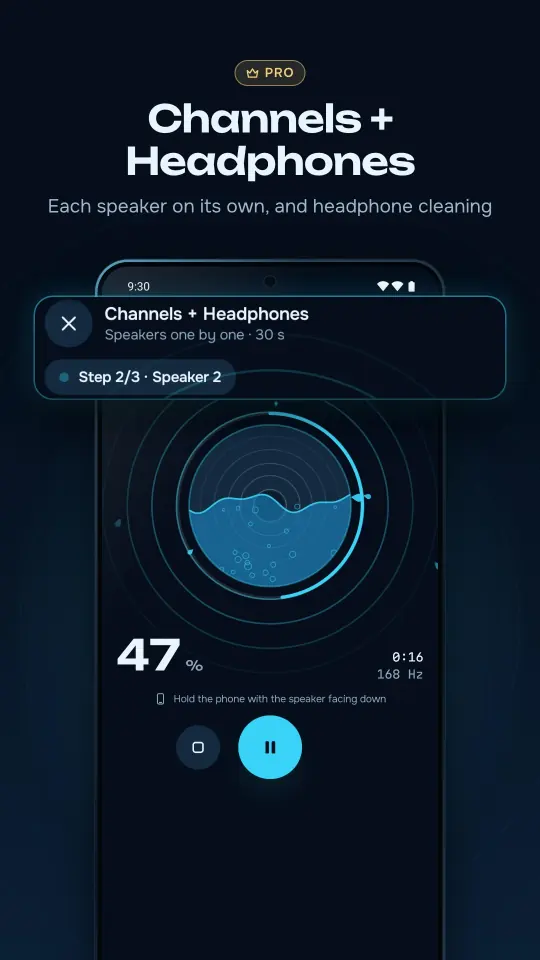
Cleans each speaker on its own, including the earpiece, or your wired and Bluetooth headphones.
Sound tools
Check your speaker and microphone before and after cleaning, all in the same app.
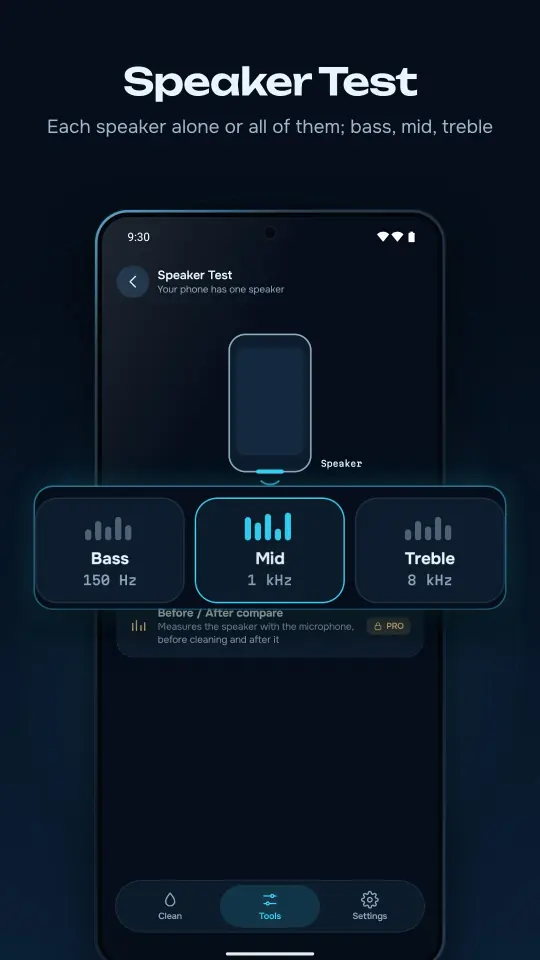
Play each speaker alone or all of them together, with bass, mid and treble tones.
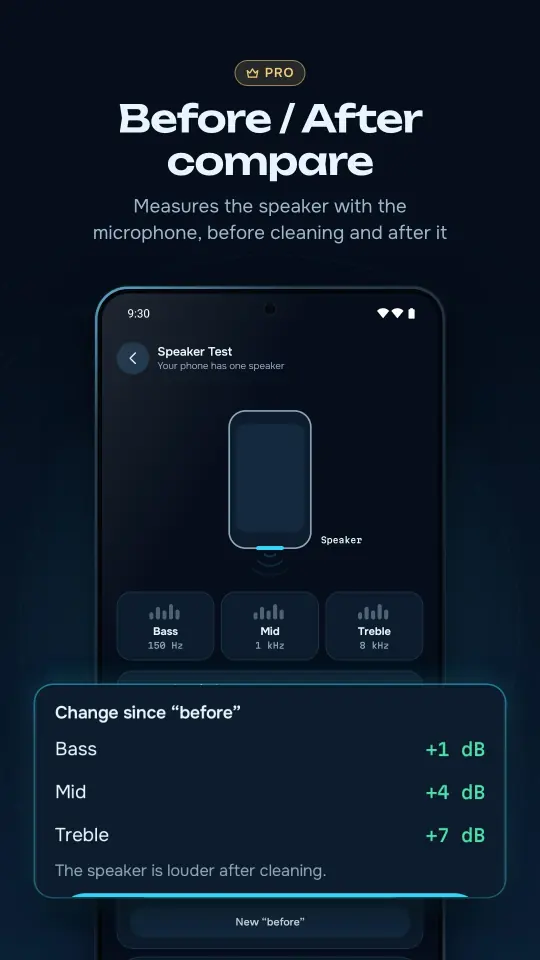
Measures your speaker with the microphone before and after cleaning and shows the change in dB for each band.
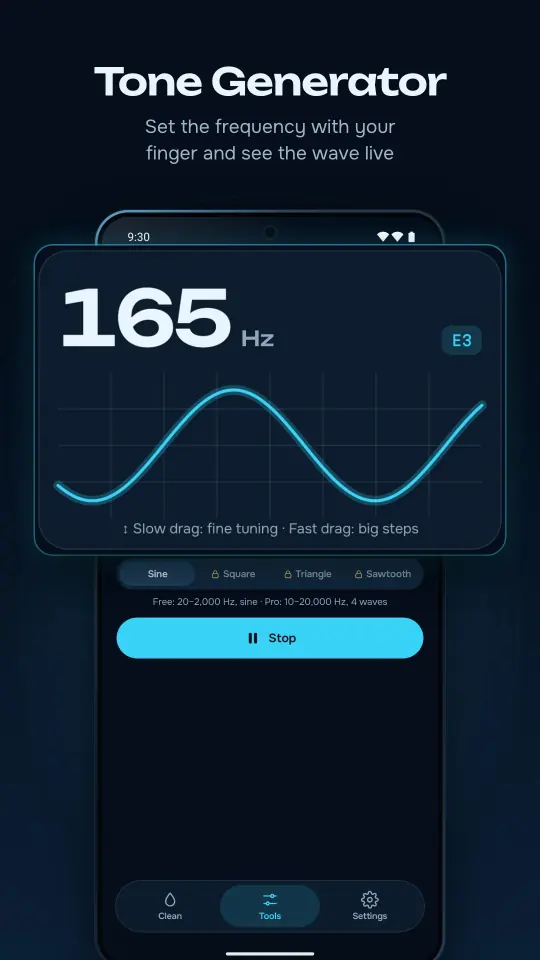
Set the frequency with your finger and see the wave live. Free from 20 to 2,000 Hz; Pro goes from 10 to 20,000 Hz with 4 waveforms.
Speak, record 3 seconds and listen back to check that your microphone sounds clear.
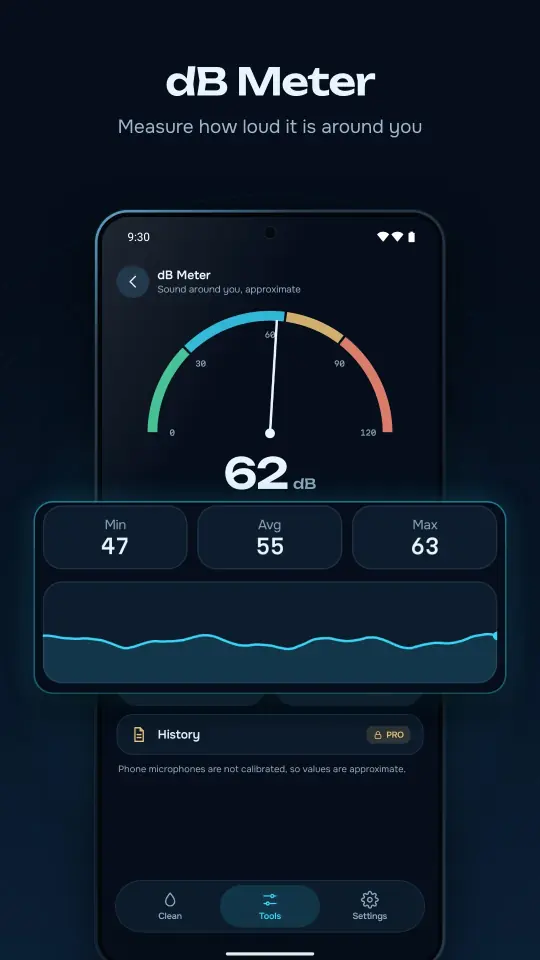
Minimum, average and maximum sound level around you, with a needle gauge and a live graph. Pro keeps a history and stamps a measurement photo.
A weekly maintenance reminder that skips the week if you cleaned recently, and a history of your cleanings. In 36 languages, light or dark.
Phone microphones are not calibrated, so dB values are approximate. Earpiece cleaning needs a phone with an earpiece, and Vibration needs a vibration motor.
Take a look
How it works
Hold the phone with the speaker facing down and turn the volume up. The app can set it to 100% for you.
Choose 15, 30 or 60 seconds and let the sound waves work. The loud, unusual sound is normal.
Play the quick test and listen. If it still sounds muffled, repeat or try Deep Clean.
You may not see drops come out. Clearer, louder sound is the result to listen for.
Private by design
No sign-up. Cleaning works without internet. The microphone is used only while a tool that needs it is open; audio stays on your phone and is never saved or sent.
Pricing
No subscription, ever
One-time purchase
Pro is a one-time purchase, not a subscription. The price is shown in Google Play in your local currency. Some Pro features can also be unlocked once by watching an ad.
FAQ
It helps. The app plays low-frequency sound that makes the speaker vibrate, and the vibration helps push water and dust out of the speaker opening. You may not see drops come out; clearer, louder sound is the result to listen for. Results depend on your phone and how much water got in.
Yes. Water Eject, Vibration, one Deep Clean a day and the Speaker Test, Tone Generator, Microphone Test and dB Meter are free, with no subscription. Your first cleaning has no ads. Pro is an optional one-time purchase.
The cleaning sound is loud and unusual; that is normal. Sessions are time-limited, and after a long session the speaker rests for a few seconds before the next one.
Start with 30 seconds, then play the quick test and listen. If the sound is still muffled, repeat once or twice, or try Deep Clean, a 2.5-minute multi-stage program. One Deep Clean a day is free.
Yes. All cleaning modes and sound tools work offline. Internet is only used for ads, purchases and app updates.
Yes. On the home screen you can clean the main speaker, the earpiece or both. Channels + Headphones (Pro) cleans each speaker on its own and also works with wired and Bluetooth headphones.
An app cannot repair hardware damage. If your phone was submerged, follow the manufacturer's advice first. Water Eject helps with water and dust left in the speaker opening, for example after rain or a splash.
No. The microphone is used only while a tool that needs it is open, such as the Microphone Test or the dB Meter. Audio stays on your phone and is never saved or sent.
Pro is a one-time purchase, not a subscription. If you bought Remove Ads in an earlier version, you have Pro automatically with the same Google account; you can also tap Restore purchase in Settings.
Android phones and tablets with Android 7.0 or later. Earpiece cleaning needs a phone with an earpiece, and Vibration needs a vibration motor.

Download Water Eject for free. Your first cleaning has no ads and needs no internet.