Hardware H.264, HEVC and AV1
Hardware-accelerated encoding on phones that support each codec. H.264 plays everywhere; HEVC and AV1 squeeze more quality into fewer megabytes.
100% on-device · Free on Android
Pick the size you need and Video Compressor does the rest on your phone. Smart compression lowers the resolution only when the target really needs it, and a 5-second preview shows the result before you start.
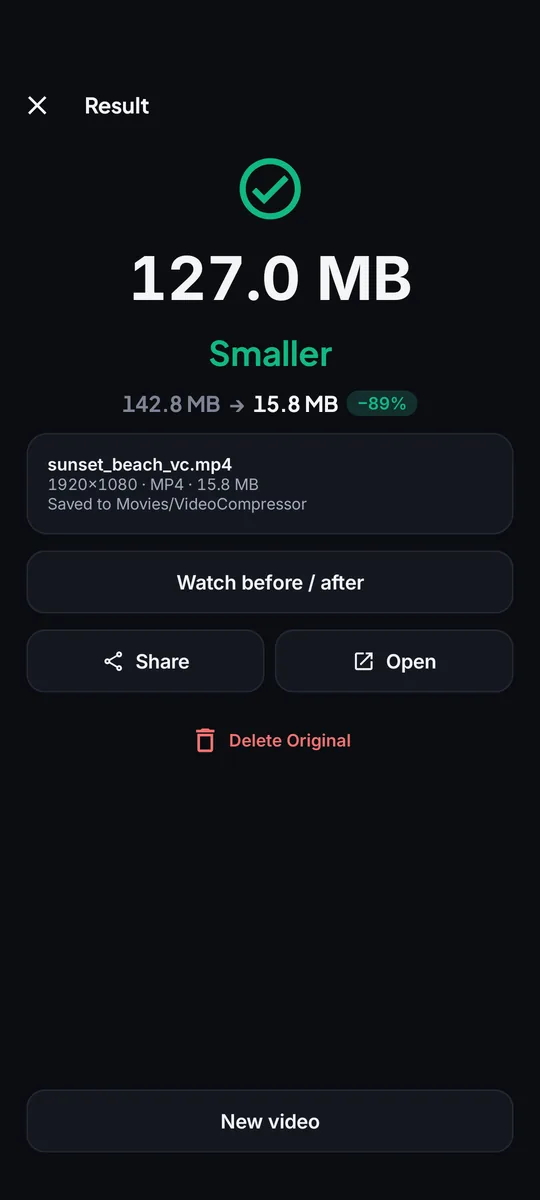
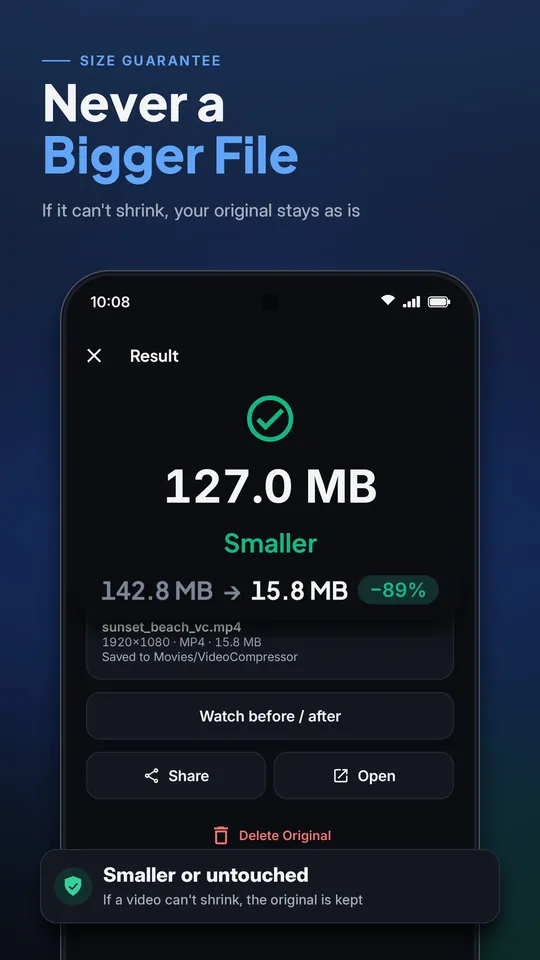
Real result−89%
142.8 MB15.8 MB
1080p clip · Messaging target
One-tap target sizes
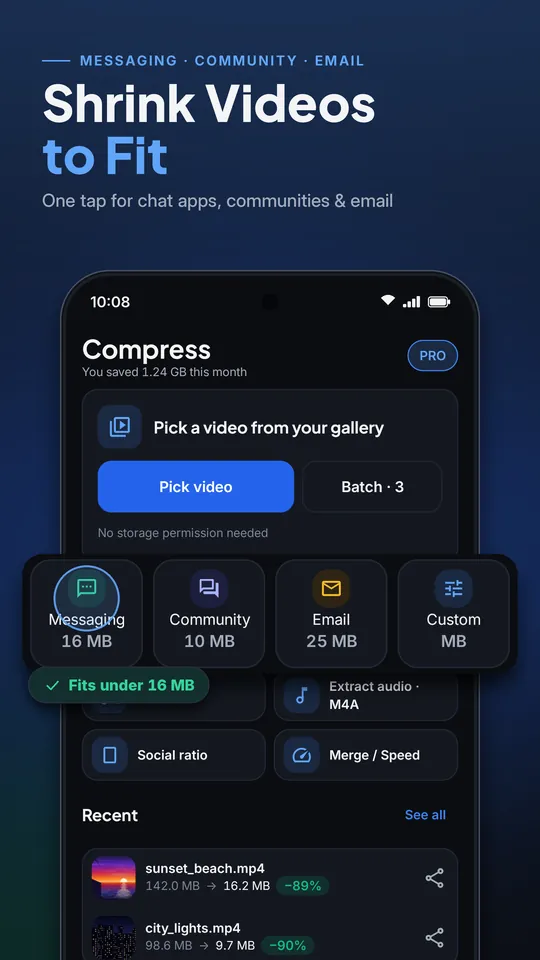
Choose where the video is going and the app aims just under that limit. You see the estimated size before you start.
16 MB
Stays under the common limit of messaging apps, ready to send in a chat.
10 MB
Fits the upload cap of chat communities and group servers.
25 MB
Small enough to attach to an email instead of sending a link.
Any MB
Type any size you need. If it is too small for a clean picture, the app suggests one that works.
If a video is already efficiently compressed and the result would come out larger, your original is kept. You never end up with more megabytes than you started with.
Hardware speed & privacy
Built on Android Media3, the same media framework Android itself uses, with your phone's own hardware video encoders.
Hardware-accelerated encoding on phones that support each codec. H.264 plays everywhere; HEVC and AV1 squeeze more quality into fewer megabytes.
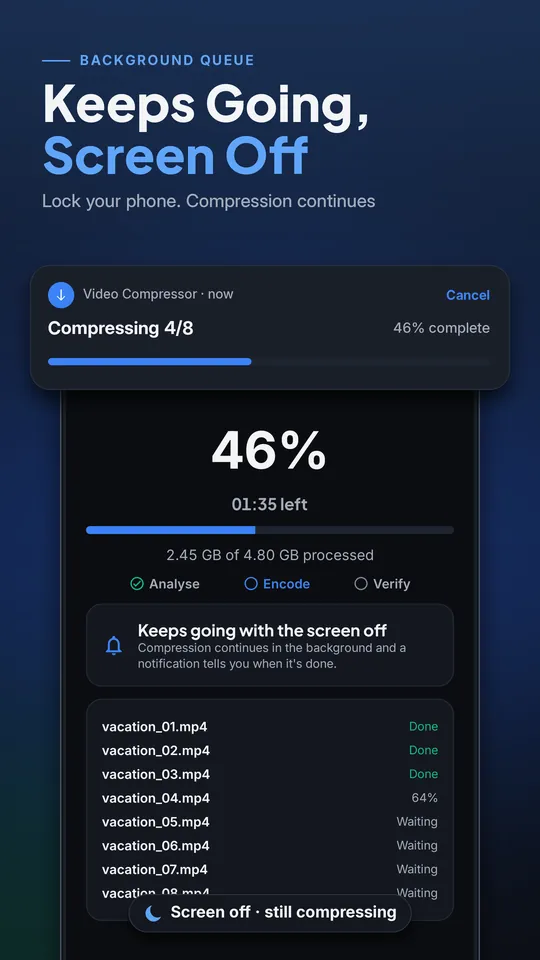
Lock your phone and compression continues in the background. A notification tells you when it is done.
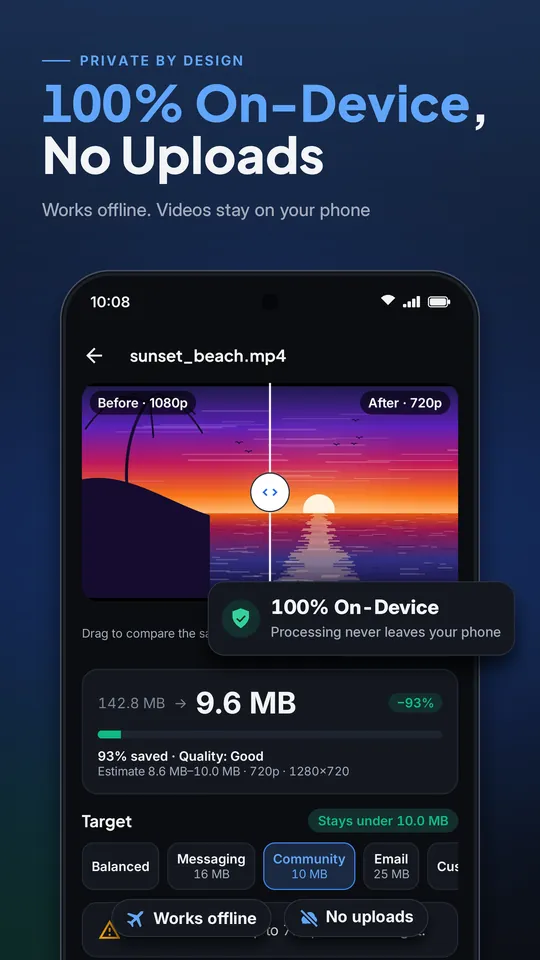
Your videos are processed on your phone and never sent to a server. It works in airplane mode too.
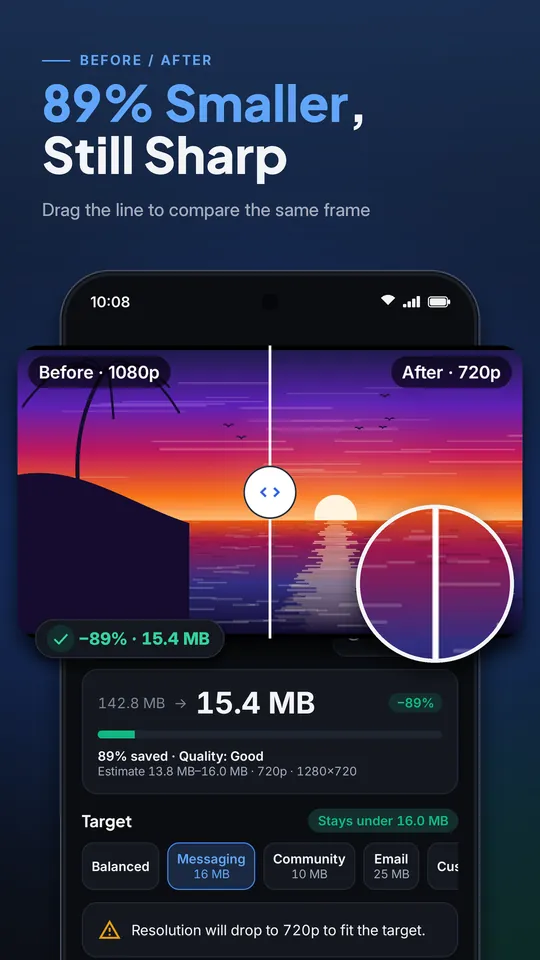
Encode a 5-second sample and drag the before/after slider over the same frame, with a clear Excellent, Good or Low hint.
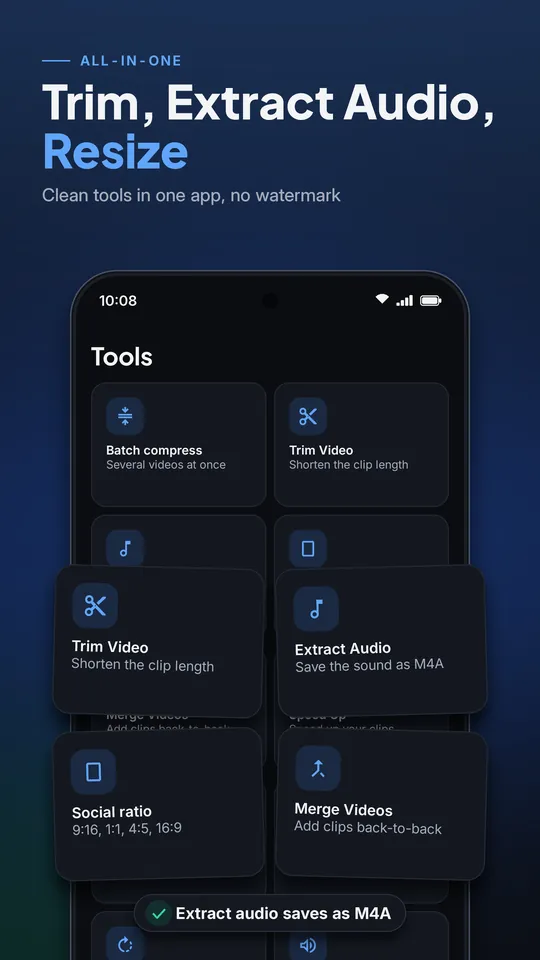
All-in-one video tools
Every tool runs on your phone and saves a new file. Your original stays where it is.
Keep only the part you need.
Save the sound as M4A (AAC).
Reframe to 9:16, 1:1 or 4:5.
Join several clips into one video.
Make slow-motion or fast-forward clips.
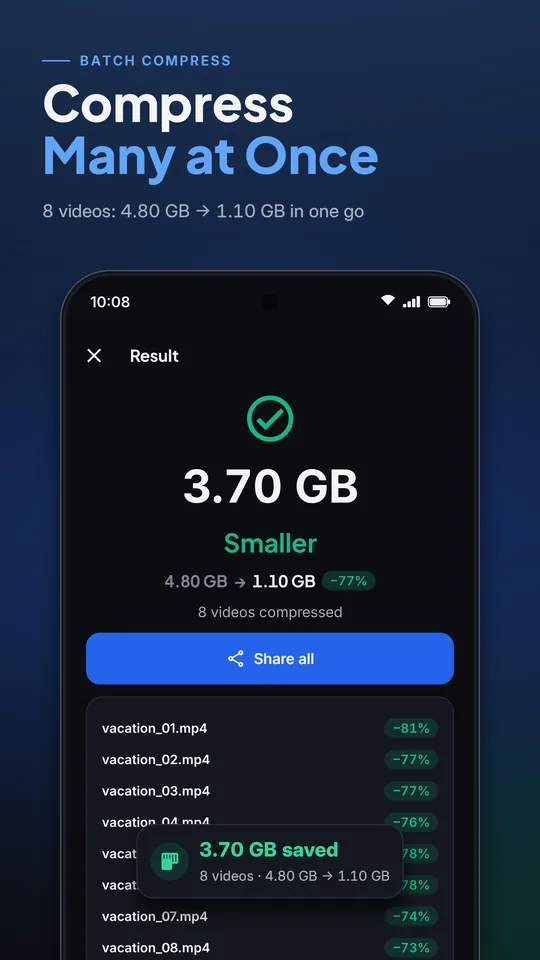
Queue many videos and let them finish in the background.
Also in the app: crop, rotate and flip, mute, change volume, loop, and convert to an MP4 that plays everywhere.
Take a look
How it works
The system picker shares only the videos you choose. No storage permission is needed.
Tap Messaging, Community, Email or type your own MB. Check the preview if you like.
The new file is saved to Movies/VideoCompressor, ready to share. Your original is untouched.
Private by design
Video Compressor has no account and no server of its own. Compression and editing happen entirely on your device.
Pricing
Everything you need to compress
Weekly, monthly or yearly
The yearly plan may include a 3-day free trial. Prices are shown in Google Play before you pay. Subscriptions renew automatically until you cancel in Google Play.
FAQ
Yes. You can compress unlimited single videos with no watermark. Pro removes ads, lifts the batch limit and unlocks HEVC and AV1 without watching an ad.
No. All compression and editing runs on your phone. Your videos never go to a server, and the app also works offline.
No. If a video is already efficiently compressed and the result would be larger, the app keeps your original instead.
Smart compression keeps visual clarity and lowers the resolution only when the target size really needs it. Encode a 5-second preview and compare before and after on the same frame before you start.
16 MB for messaging apps, 10 MB for chat communities and group servers, 25 MB for email attachments, or type any custom size.
Yes. Compression continues in the background with the screen off, and a notification tells you when it is finished.
In Movies/VideoCompressor on your phone, and extracted audio in Music/VideoCompressor. Your original video stays where it was.
Open Google Play › Profile › Payments & subscriptions › Subscriptions, choose Video Compressor and tap Cancel. Pro stays on until the end of the period you paid for.