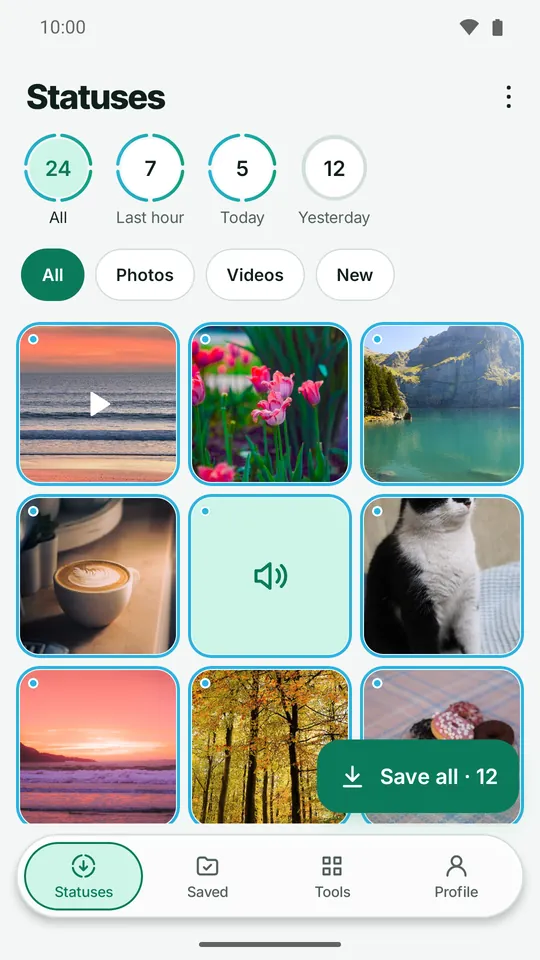
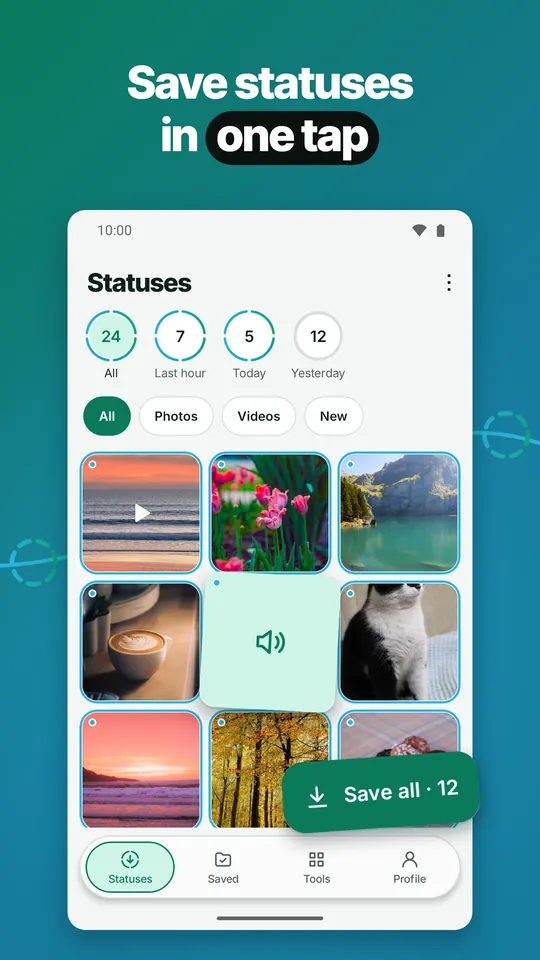
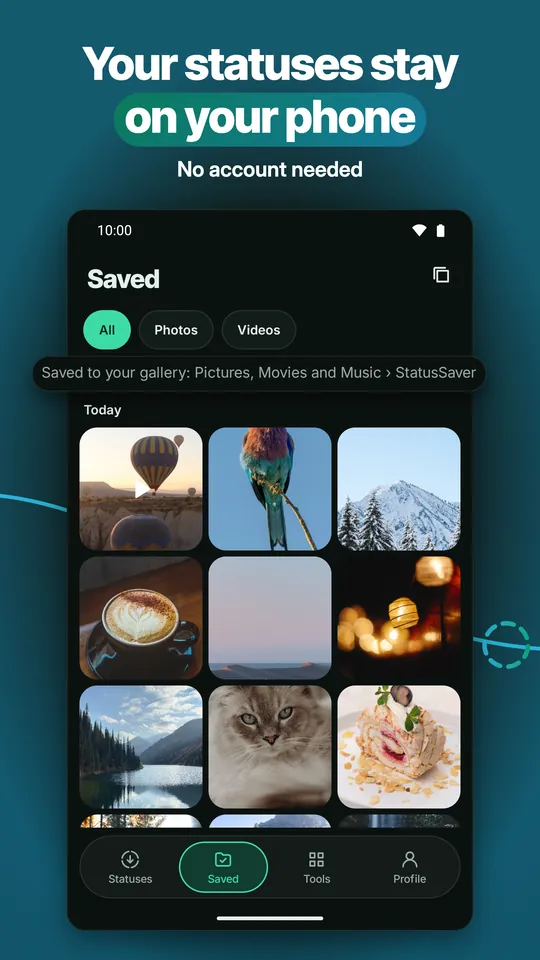
Status Saver keeps the photo, video and voice statuses you love. Save one with a single tap, save them all at once, or let auto-save do it. Saved copies stay in your gallery after the status is gone.
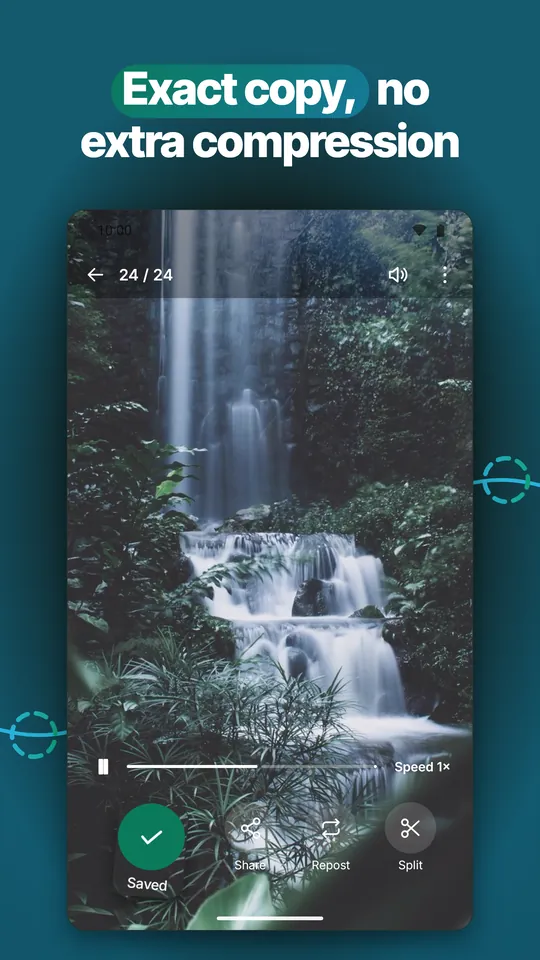
Save photo, video and voice statuses as an exact copy of the file, with no extra compression.
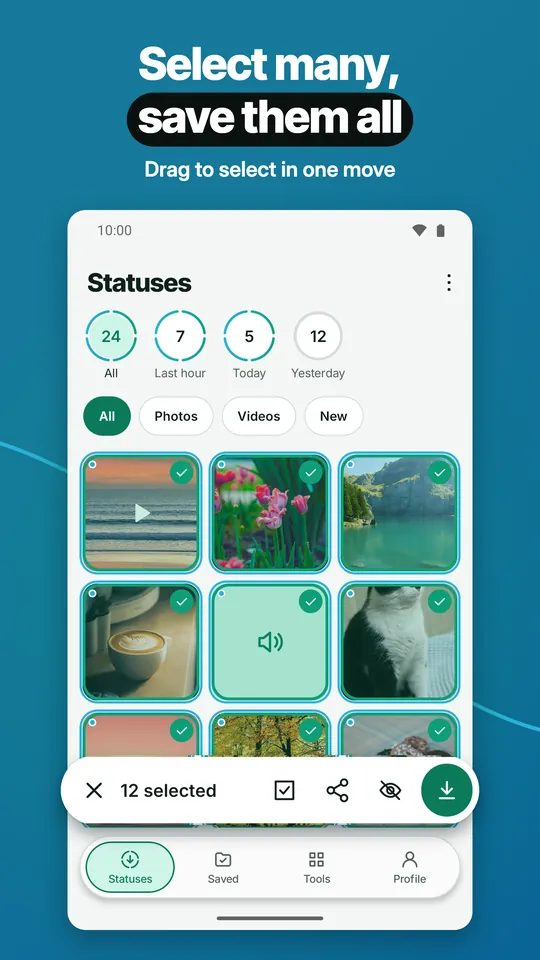
Select many and save them all at once, or drag to select in one move. Save as many as you like.
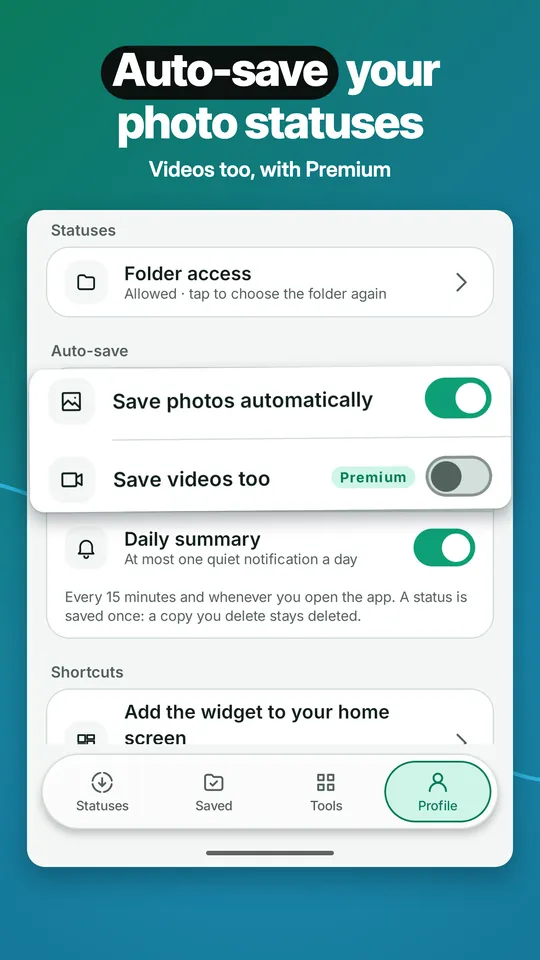
Auto-save copies new photo statuses to your gallery in the background. With Premium, videos too. At most one quiet notification a day, only if you turn it on.
Switch between the statuses of your personal and your business account.
Built-in player: sound on or off, playback speed, swipe to the next status. Share to any app, or repost in a couple of taps.
Hide the statuses you don't want. Your saves are in the StatusSaver album, where they play without internet.
Home screen widget: see new statuses at a glance and save them all with one tap. Turn auto-save on or off from Quick Settings.
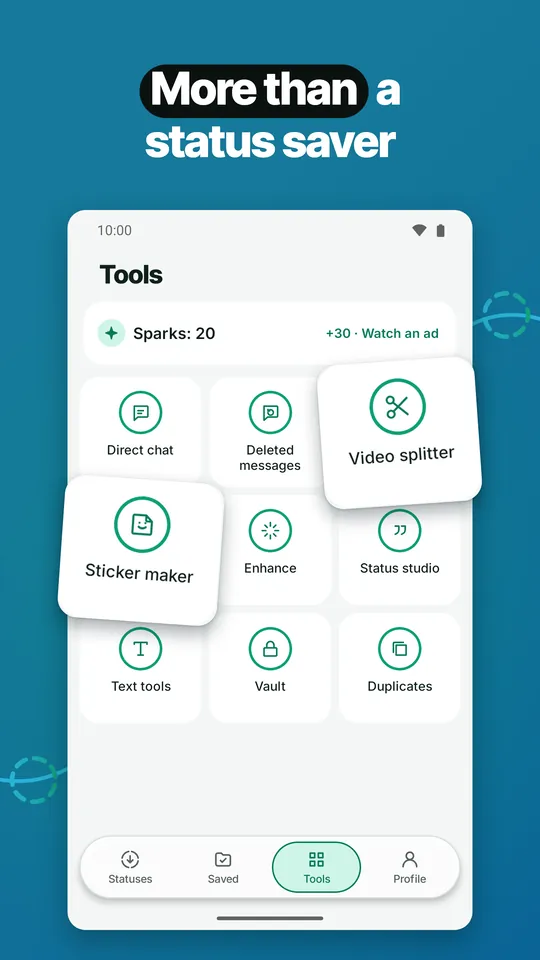
Tools
More than a status saver
Direct chat
Message a number without saving it to your contacts.
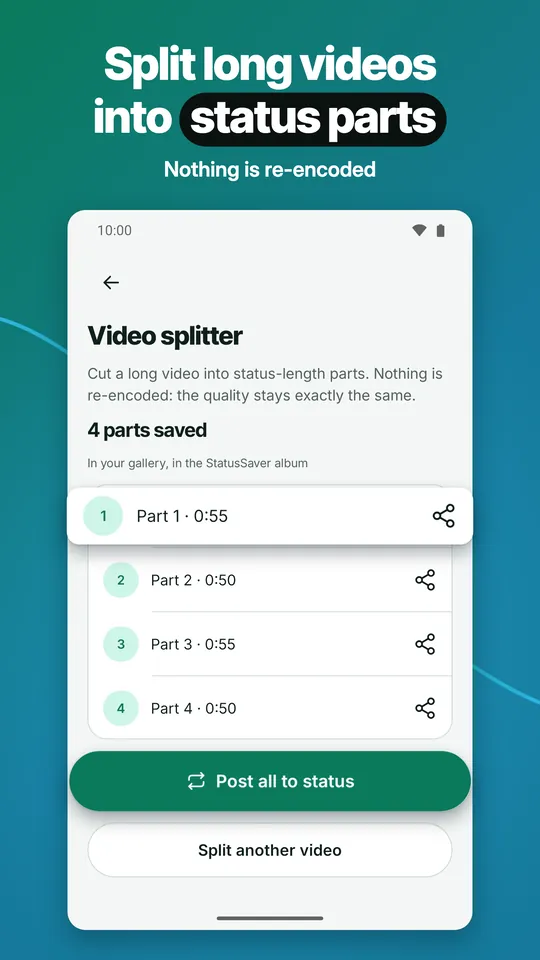
Video splitter
Cut a long video into status-length parts and post them all to your status. Nothing is re-encoded, so the quality stays the same.
Deleted messages
Messages that arrive as notifications are kept on your phone, so you can still read one the sender deletes later. Free keeps the last 24 hours, Premium the full history. Chats you have open or muted and notifications that hide the text are not kept.
VaultPremium
Move saved photos and videos out of the gallery, behind your fingerprint, face or screen lock.
Duplicates
Find duplicate copies and free up space.
Sticker maker
Cut the subject out of a photo and build your own sticker pack. Making stickers is free.
Enhance (Sharpen & brighten)
Make a photo crisper and its colors livelier. The original stays as it is.
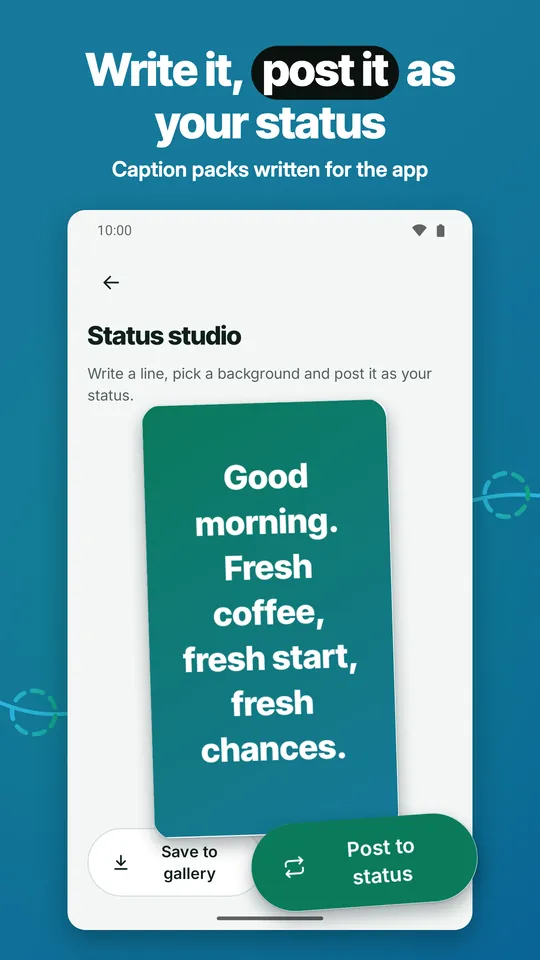
Status studio
Write a line, pick a background and post it as your status. Caption packs written for the app.
Text tools
Fancy text in 18 styles and a text repeater.
Take a look
How to use
1
Watch a status first, and it shows up in Status Saver by itself.
2
The first time, setup opens the right folder for you: allow it once and you are done.
3
Tap Save on the ones you like, or Save all.
Privacy
Private, and in your language
No account needed. Your statuses, saved copies, vault and kept messages stay on your phone. The app does not upload them.
The app only reads the status folder you allow. No storage permission on Android 10 and later.
73 languages, right-to-left included. Choose the app language inside the app.
Light and dark theme. Extra app icons with Premium. Works with TalkBack and large text.
Pricing
Free and Premium, plainly
Free
Status Saver is free to use, with ads.
Saving, saving all at once, photo auto-save, direct chat, the widget, text tools and the studio with your own text cost nothing.
Ads never come before your first save or inside the player, and rewarded ads are always your choice.
The video splitter and Enhance have limited free use each day; then continue with Sparks (app credits with no cash value) or a short ad.
Premium
Premium removes every ad and adds video auto-save, the vault, the full history of kept messages, every caption pack, extra app icons and the tools without daily limits.
Plans: yearly (with a free trial for new subscribers), weekly, or lifetime with one payment.
Google Play shows the price before you pay. Subscriptions renew automatically; cancel anytime in Play Store › Subscriptions.
Frequently asked questions
Why don’t I see any statuses?
Watch the status first; it shows up in Status Saver when the list refreshes (pull down). If the list stays empty, choose the folder again in Profile › Folder access.
Where are my saved statuses?
In your gallery, in the StatusSaver album: Pictures/StatusSaver, and videos in Movies/StatusSaver when separate folders are on. Voice statuses go to Music/StatusSaver.
How does auto-save work?
Every 15 minutes and whenever you open the app, statuses you have not saved yet are copied to your gallery: photos for everyone, videos with Premium. Android may wait a little longer when the battery is low.
Is Status Saver free?
Status Saver is free to use, with ads. Premium removes every ad and adds video auto-save, the vault, the full history of kept messages, every caption pack, extra app icons and the tools without daily limits.
How do I cancel my subscription?
In the Play Store: Profile › Payments and subscriptions › Subscriptions › Status Saver › Cancel. Premium stays on until the end of the period you paid for.
Do I need an account? How do I delete my data?
No account is needed, and the app does not upload your statuses, saved copies, vault or kept messages. To delete everything the app keeps on your phone, including the vault and kept messages, clear its storage or uninstall it. Copies saved to your gallery stay until you delete them.
What does the app need access to?
Only the status folder you allow once in setup. On Android 10 and later it asks for no storage permission; on Android 8 and 9, it needs one to save to the gallery. Kept messages use notification access, and only if you turn them on.
Which phones does it work on?
Android phones and tablets with Android 8.0 or newer. Viewing and saving work without an internet connection.
Keep statuses before they vanish
Save photo, video and voice statuses in one tap, or let auto-save do it.