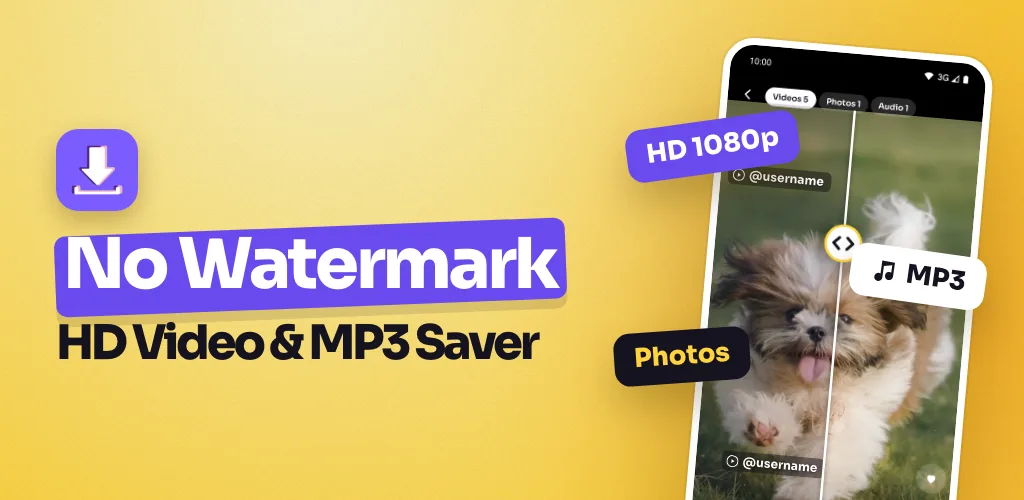
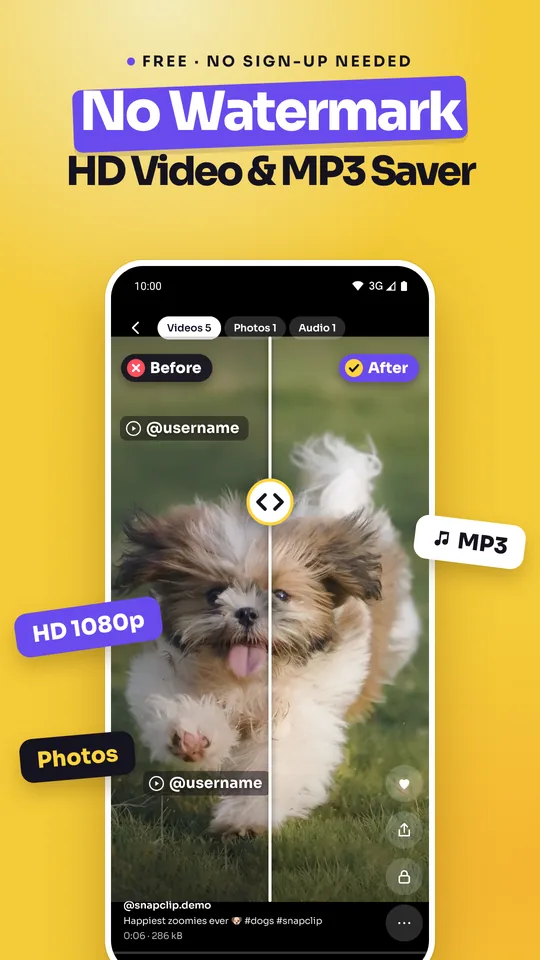
SnapClip is a video downloader with no watermark: save short videos in HD, as MP3 or as photos straight to your gallery. Copy a link or share it to SnapClip, tap Download, done. No login and no daily limit on free video and photo downloads.
Save HD 1080p and MP3 with no watermark and no cropping, whenever the source provides a clean original.
No full-screen ad at the start
No full-screen ad while your download starts or runs. Watched an ad for HD or MP3 and the save failed? Your unlock stays for 24 hours.
Smart retry queue & sound check
Service busy or connection lost? Your link waits in a queue and retries by itself. Every HD and MP3 file is checked for picture and sound, so you never keep a silent or empty file.
Pick photos from slideshows
On photo posts and slideshows, choose exactly which pictures to save.
Search by creator or caption
Find any save in the Library by creator name or caption, with Videos, Photos and Audio tabs.
PIN & fingerprint vault Premium
Lock videos in a hidden vault behind your PIN or fingerprint. Vault files never leave your phone.
Pay once, Pro for life
Pay once for Lifetime Pro: no subscription, no weekly plan. Monthly and yearly stay optional.
~6 MB, 41 app languages
A tiny app of about 6 MB that is kind to older phones and slow networks, in 41 in-app languages.
Preview
Take a look
No-watermark HD video & MP3
How to use
1
Open the video, tap Share, then Copy link (or share it straight to SnapClip).
2
Open SnapClip. The link is detected automatically.
3
Tap Download. Your video is saved with no watermark.
Why people choose SnapClip
WHY THIS VIDEO DOWNLOADER
No watermark, no cropping: you get the clean original whenever the source provides one.
Checked after saving: HD and MP3 files are tested for picture and sound, so you never keep a silent or empty file.
See the size first: pick normal video, HD 1080p, MP3 or photos and see the file size before you download.
Smart queue: if the video service is busy, your link waits and downloads by itself. No retyping.
Photo posts and slideshows: choose which pictures to save.
Real progress in percent and MB/s, cancel anytime, automatic retry when the connection drops.
Saved to the SnapClip folder in your gallery, named after the creator.
A small app of about 6 MB, kind to older phones and slow networks.
WATCH OFFLINE
Built-in vertical player: watch your downloads offline, the way you scroll, with favorites.
Library with Videos, Photos and Audio tabs. Search by creator or caption.
Copy the caption and hashtags with one tap.
HANDY EXTRAS
Quick Settings tile and app shortcuts: download from your clipboard in one tap.
40+ languages: change the app language anytime in Settings.
Light and dark theme.
FAIR FOR FREE USERS
Normal-quality videos and photos are free, with no daily limit.
Your first 2 downloads show no ads.
HD 1080p and MP3: unlock once by watching a short ad, or always with Premium. If the download fails after you watched the ad, your unlock stays for 24 hours.
Pricing
Free and Premium, plainly
Free
Normal-quality videos and photos are free, with no daily limit.
Your first 2 downloads show no ads.
HD 1080p and MP3: unlock once by watching a short ad, or always with Premium. If the download fails after you watched the ad, your unlock stays for 24 hours.
Premium
No ads at all.
HD 1080p video downloads.
MP3 audio and ringtones.
Batch download: up to 10 links in one tap.
Hidden vault: lock your videos behind a PIN.
Monthly, yearly or a one-time Lifetime purchase. No weekly plans.
If your plan has a free trial, we remind you before it ends. Your purchase is restored automatically on any phone signed in with the same Google account. Cancel anytime in Google Play › Subscriptions.
PRIVACY
On your phone, not on a server
No login. Your videos and your vault stay on your device. The link you paste is sent to a video info service to find the file.