
Scan to PDF in seconds
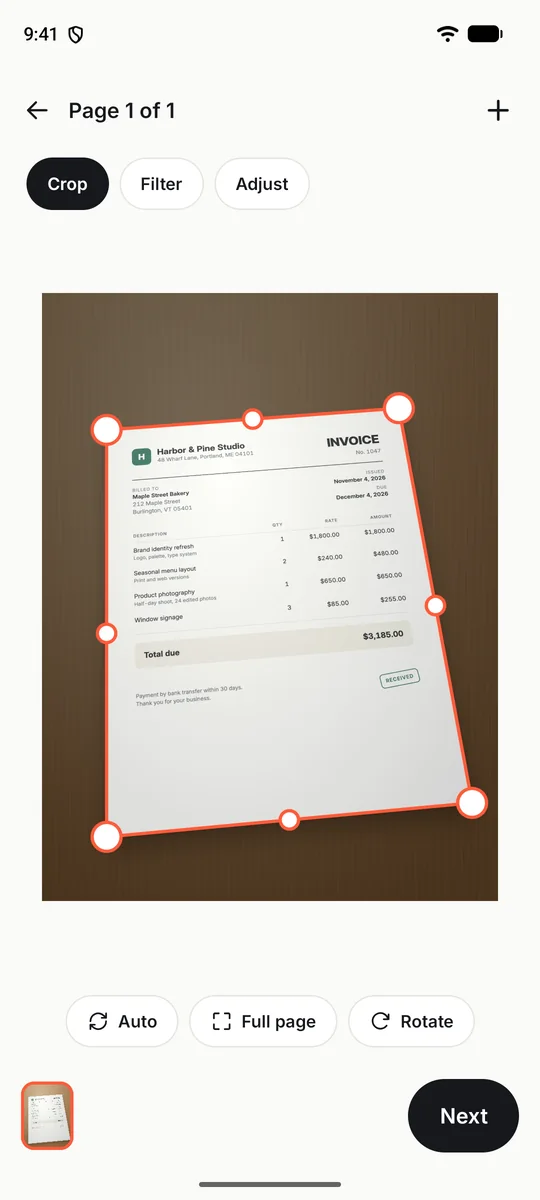
Live edge detection and auto capture take the shot when the page is steady. Batch scanning puts many pages into one PDF.
Free on Android
Scanelo finds the edges, flattens the page, reads the text and names the file for you. Scan receipts, contracts, ID cards and notes, then save or share a real PDF.
What it does
Everything happens on your phone, from the first photo to the finished PDF.
Live edge detection and auto capture take the shot when the page is steady. Batch scanning puts many pages into one PDF.
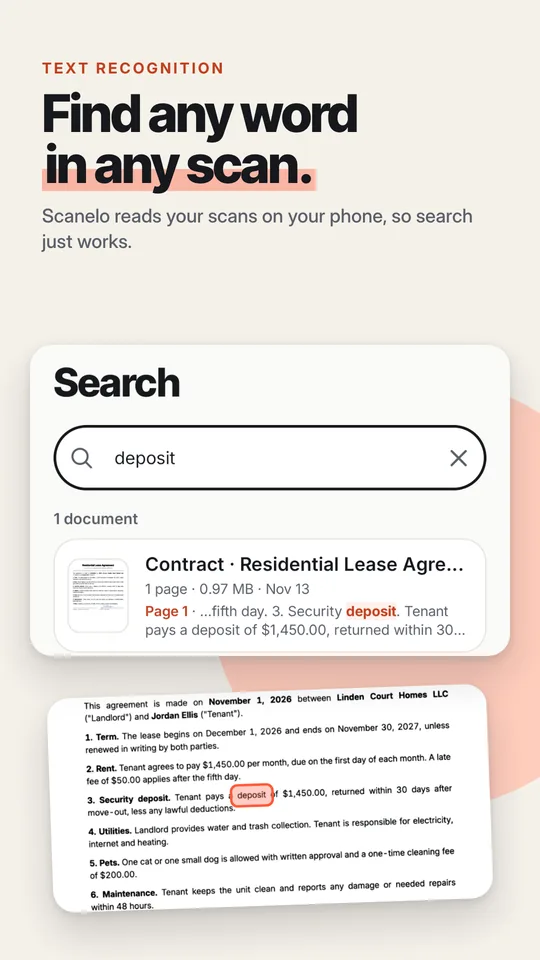
Text recognition reads every page on your phone, so search finds the words inside your scans. Copy the text, listen to it or translate it.
Each scan gets a clear name from its type and sender, such as an invoice or a contract. Smart folders gather receipts, IDs and notes by themselves.
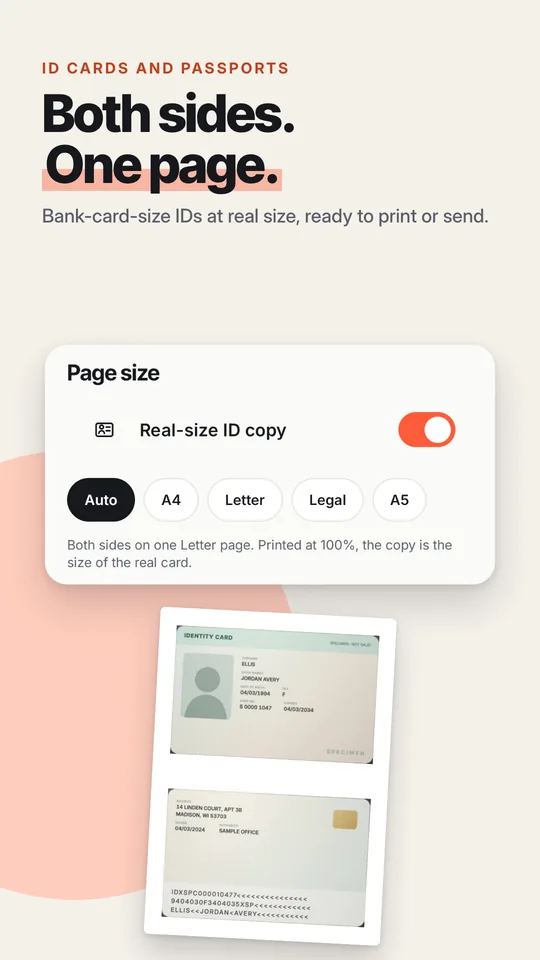
Scan the front and back of an ID and get both sides on one page, ready to print or send. IDs the size of a bank card come out at real size.
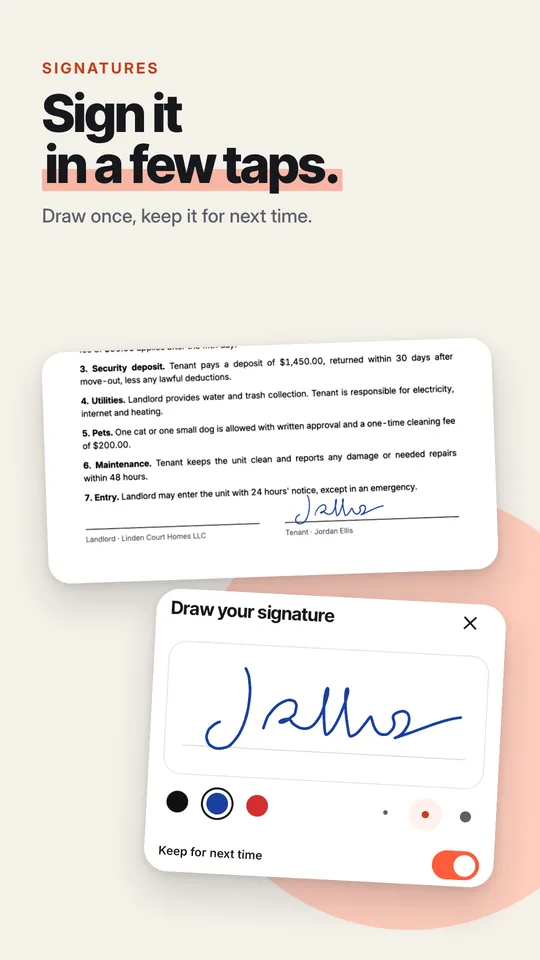
Draw your signature once and keep it for next time. Add initials, today's date, text, highlights and shapes.
Latin, Cyrillic, Greek, Arabic, Devanagari, Bengali, Thai, Khmer, Chinese, Japanese and Korean text. Language models download once.
PDF tools
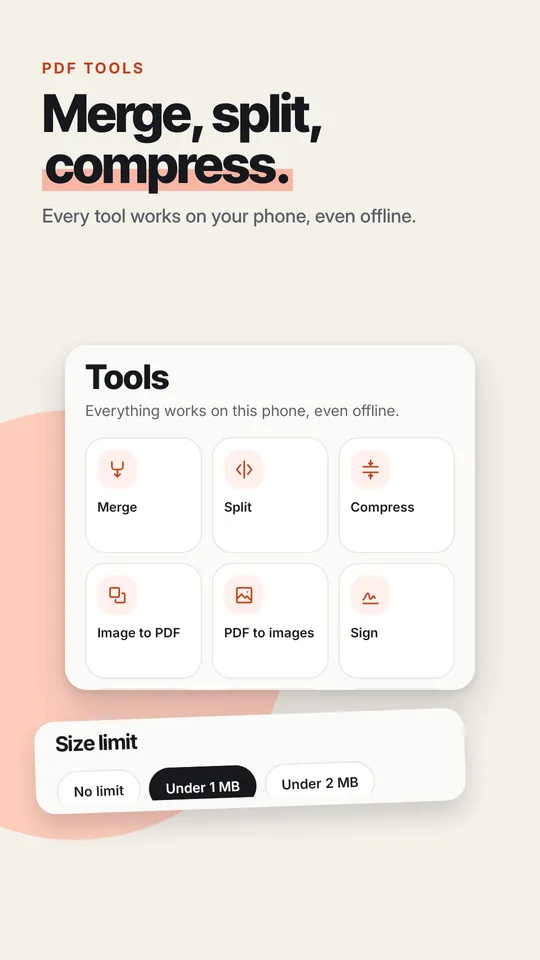
Every tool works on this phone, even offline.
Compress to a size limit such as under 1 MB for email. Save as PDF, JPG, PNG or text in A4, Letter, Legal or A5, or print straight from your phone.
Take a look
How it works
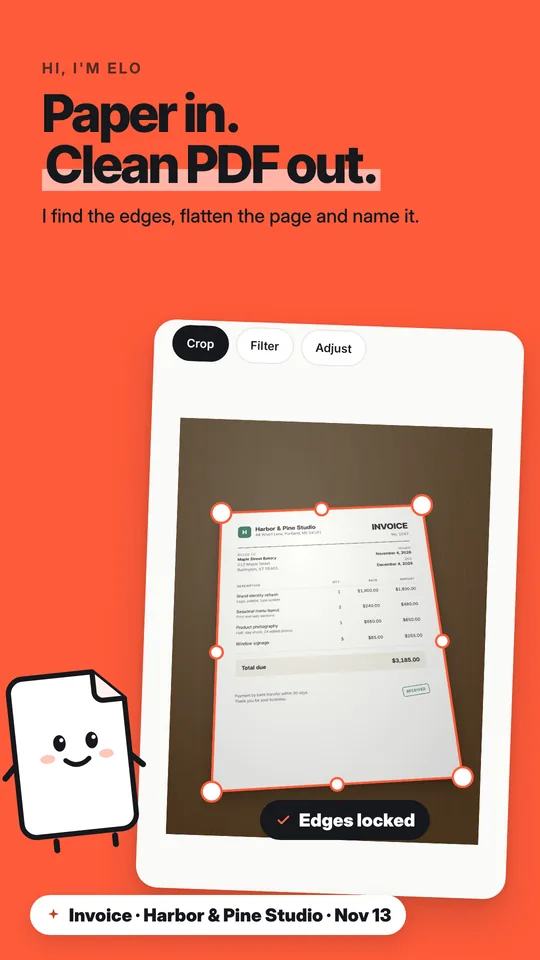
Scanelo finds the edges and takes the photo as soon as the page is steady.
The page is flattened and cleaned. Adjust the crop or the filter if you like, then save.
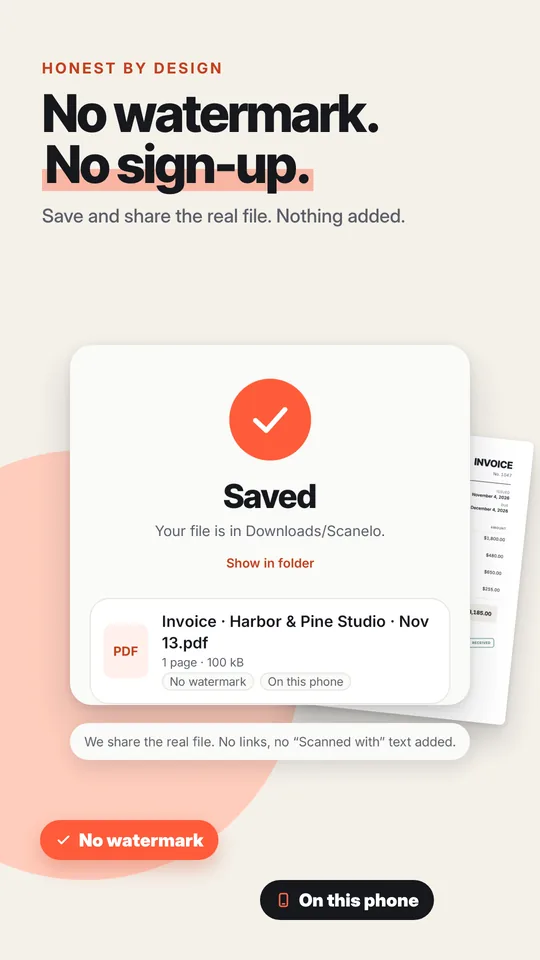
Share the real PDF, or search for any word inside it whenever you need it.
Private by design
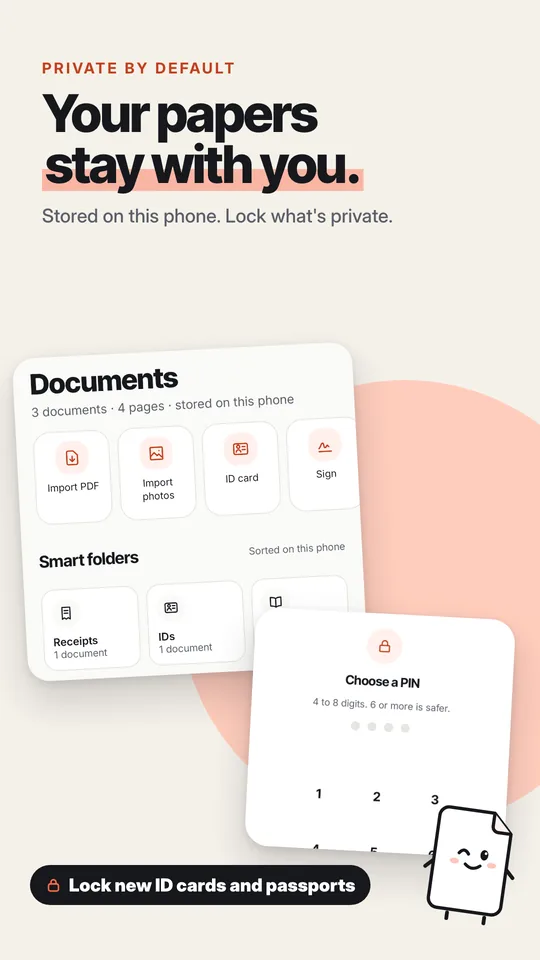
Scanelo scans, reads and stores your documents on your phone. There is no account, and Scanelo never uploads your files.
Pricing
Everything you need to scan
Yearly, monthly or lifetime
Prices are shown in Google Play before you buy. Subscriptions renew until you cancel in Google Play.
FAQ
Scanning, saving and sharing PDFs are free, with no watermark and no limit. Pro adds Word export, searchable and password-protected PDFs, redaction, unlimited signatures and translation, automatic backup and no ads.
No, never, not even in the free version.
No. Open the app and scan.
No. Scans, text recognition and PDFs are made on your phone. Nothing is uploaded; a file leaves only when you share or save it somewhere yourself.
Yes. Scanning, editing, the PDF tools and search work without internet. Only the text recognition and QR scanner models, and optional language packs, download once.
Profile › Manage subscription opens your subscriptions in Google Play, where you can cancel in a few taps. Pro stays on until the end of the period you paid for.
Use the same Google account and tap Restore purchases in Profile.
Scanelo for iPhone and iPad is coming soon to the App Store. Today it is available for Android on Google Play.
Download Scanelo and turn your next page into a clean PDF.